File Sharing
DropShelf
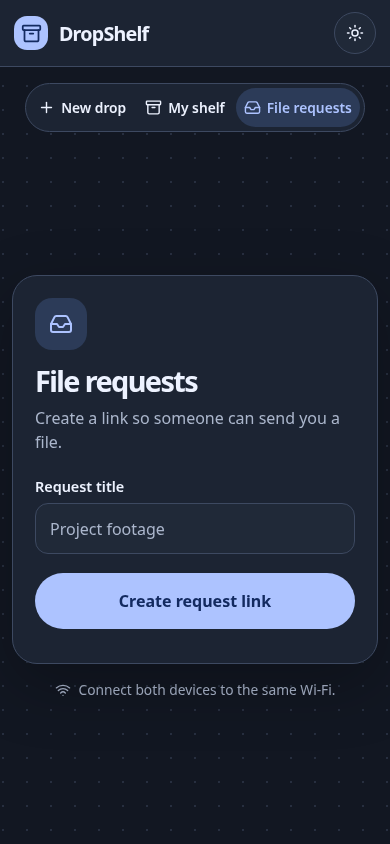
Leave files for someone to pick up later, or send them a link to upload files back to you.
Overview
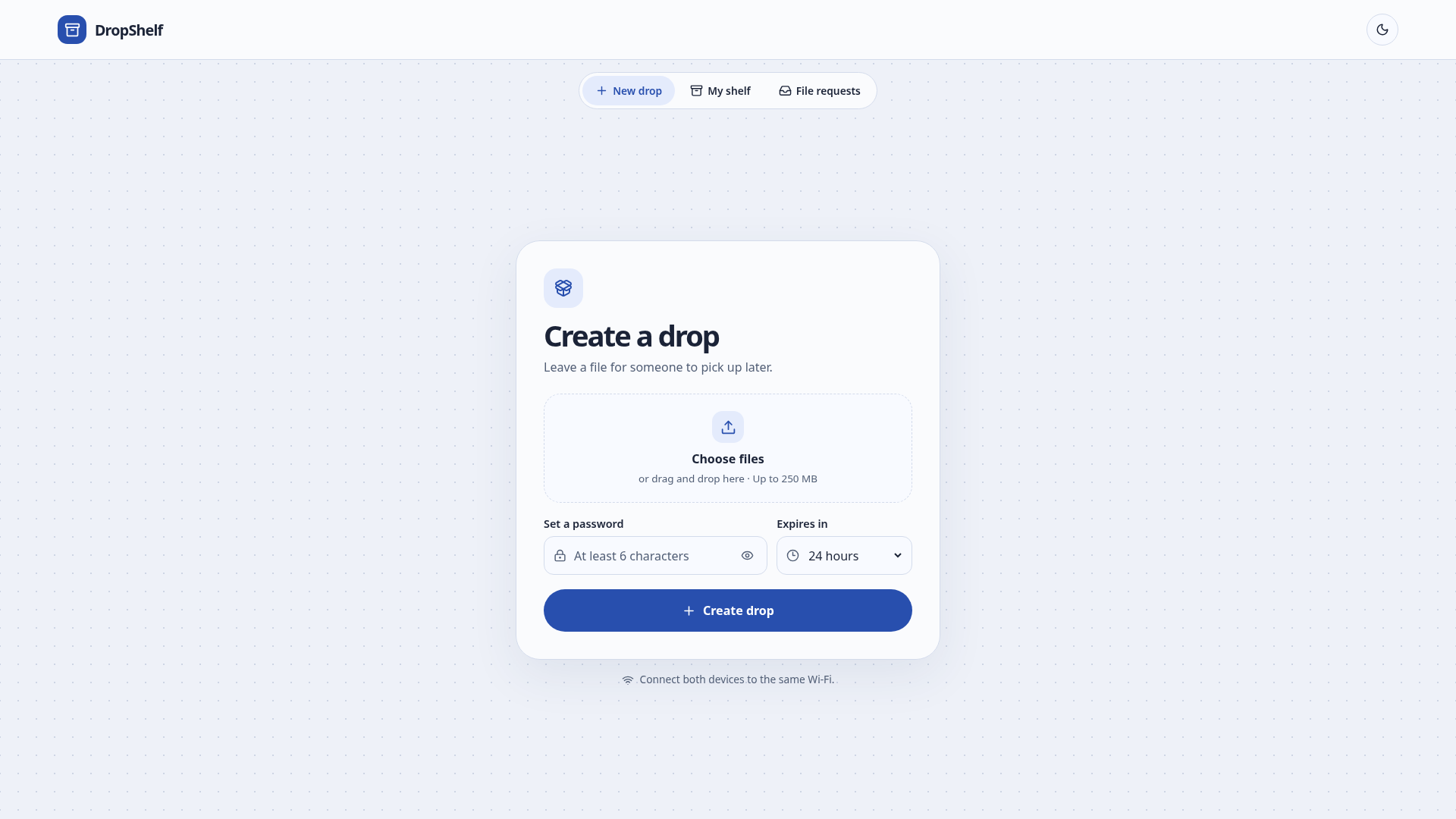
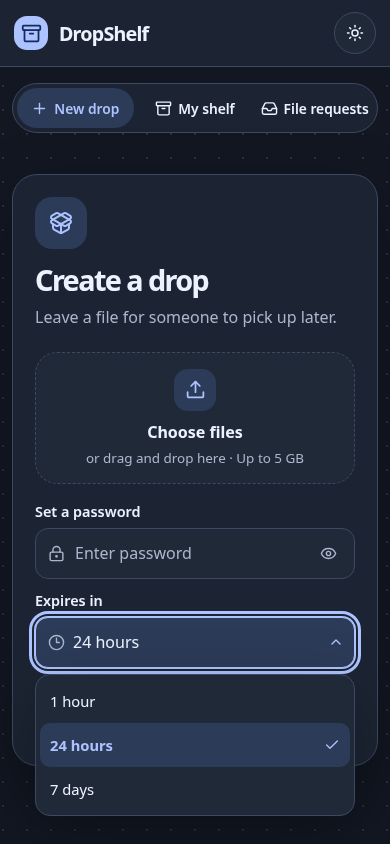
DropShelf gives both sides of a file exchange their own link. A sender can leave up to 10 files totaling 5 GB behind a password, choose an expiry, and share a link or QR code. A file request reverses the exchange so someone else can upload.
Problem
A large transfer often depends on both people being online together. Collecting a file from the other person usually means arranging a second transfer.
Solution
The server holds each drop until its deadline. Recipients can pick up individual files or a ZIP, and the sender can review activity, approve access requests, or revoke the link early.
Features
Choose a one-hour, 24-hour, or seven-day expiry.
Share a pickup link or QR code and send the password separately.
Review download activity and approve or decline access requests in My shelf.
Collect a file up to 5 GB through a seven-day upload request.
Architecture
Next.js and TypeScript handle the interface. FastAPI streams files to private storage, while SQLite records expiry times, password hashes, and access requests. The creating browser holds the management key.
Tech Stack
Screenshots
Challenges
A link can expire or be revoked between visits. The backend checks access on every download request, including requests for individual files.
Lessons Learned
Picking up a file and managing its availability are separate jobs. Dedicated pickup, shelf, and request views give each person the controls they need.
Next project
HiPDF